Multimedia
zmedia is a professional multimedia SDK. This document is intended to assist developers in obtaining and building the zmedia package, and provides sample code.
Environment Preparation
# Enter the zdocker development environment. Skip this step if already in zdocker.
zdocker
Obtaining zmedia SDK Package
Note: Please ensure Docker has been installed before proceeding. For details, please see Basic Quick Start Guide.
Execute the following commands to obtain the zmedia SDK package.
# Create a working directory
mkdir sdk-workspace
cd sdk-workspace

# Download the build tool and make it executable.
wget http://developer.zhcomputing.com/artifactory/release/zhihesdk/v2.8.1/build.sh -O build.sh && chmod +x ./build.sh

# Download zmedia SDK package. The package will be extracted into a 'zmedia' directory.
./build.sh  -s zmedia-sdk
File Introduction
The main files and description of zmedia SDK are described below.
zmedia
    ├── example/              # Sample code for quick testing
    │   └── include/          # Header files for submodules
    │   └── common/           # Common functions for module testing
    │   └── mod/              # Test entries for submodule tests
    │   └── test_source/      # Source for quick testing
    ├── include/              # Header file directory
    │   └── zmedia/           # Header files for submodules
    ├── lib/                  # Library file directory
    │   └── riscv64-linux-gnu/
    │       └── libzmedia.so  # Development library (Included in SDK, no need to copy to runtime)
    ├── share/
    │   └── cmake/Modules/    # CMake project file
    └── toolchain.cmake       # Toolchain configuration file
| File name | Description |
|---|---|
| example/ | Contains sample codes for submodules and pipelines, serving as a reference for both functional implementation and CMakeLists configuration. |
| include/zmedia/ | Contains header files for all submodules. |
| lib/ | Contains compiled library files required by zmedia (not needed in the runtime environment). |
| share/cmake/Modules/ | Contains CMake module files. |
Building zmedia
Note:
- zmedia must be pre-installed in the target system. After building, the executables need to be manually uploaded to the target system for execution.
- For project configuration methods, see
example/CMakeLists.txt.
-
Create and enter the build directory.
cd zmedia
mkdir build
cd build -
Configure the build system, specifying the toolchain file.
cmake -DCMAKE_TOOLCHAIN_FILE=../toolchain.cmake ../example -
Compile.
make -j4The output directory structure is as follows.
CMakeCache.txt CMakeFiles cmake_install.cmake common Makefile modThe executable files are located in the
moddirectory. The list of executables is as follows.test_mpi_aitest_mpi_aotest_mpi_rtsp_vdec_venc_rtsptest_mpi_vdectest_mpi_venctest_mpi_vitest_mpi_vi2venctest_mpi_votest_mpi_vpss
-
Upload the executable files to the development board.
Sample
The samples in this section are run within the example directory.
Video Encoding
zmedia supports video encoding in H264, H265, JPEG, and MJPEG formats.
Command
# Run on the development board
test_mpi_venc -i shields_640x480_nv12.yuv -o shields_640x480_nv12_output_dir/ -w 640 -h 480
Input
example/test_source/shields_640x480_nv12.yuv
Output
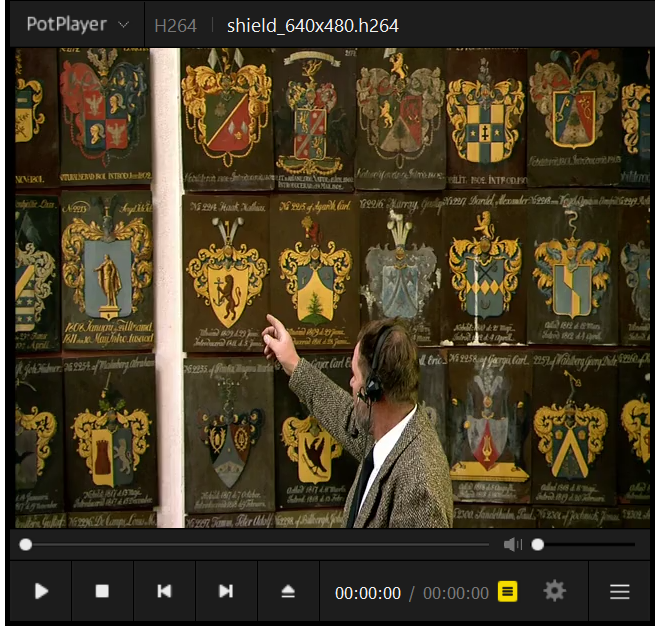
Outputs raw AVC (H.264) bitstream, which can be viewed using ffplay or PotPlayer.
shields_640x480_nv12_output_dir/test_0.bin
Video Decoding
zmedia provides MPI interfaces to drive the video decoding hardware and implement video decoding.
Command
# Run on the development board
test_mpi_vdec -i  shield_640x480.h264 -o shield_640x480_output_dir/ -C 8
Input
example/test_source/shield_640x480.h264
Output
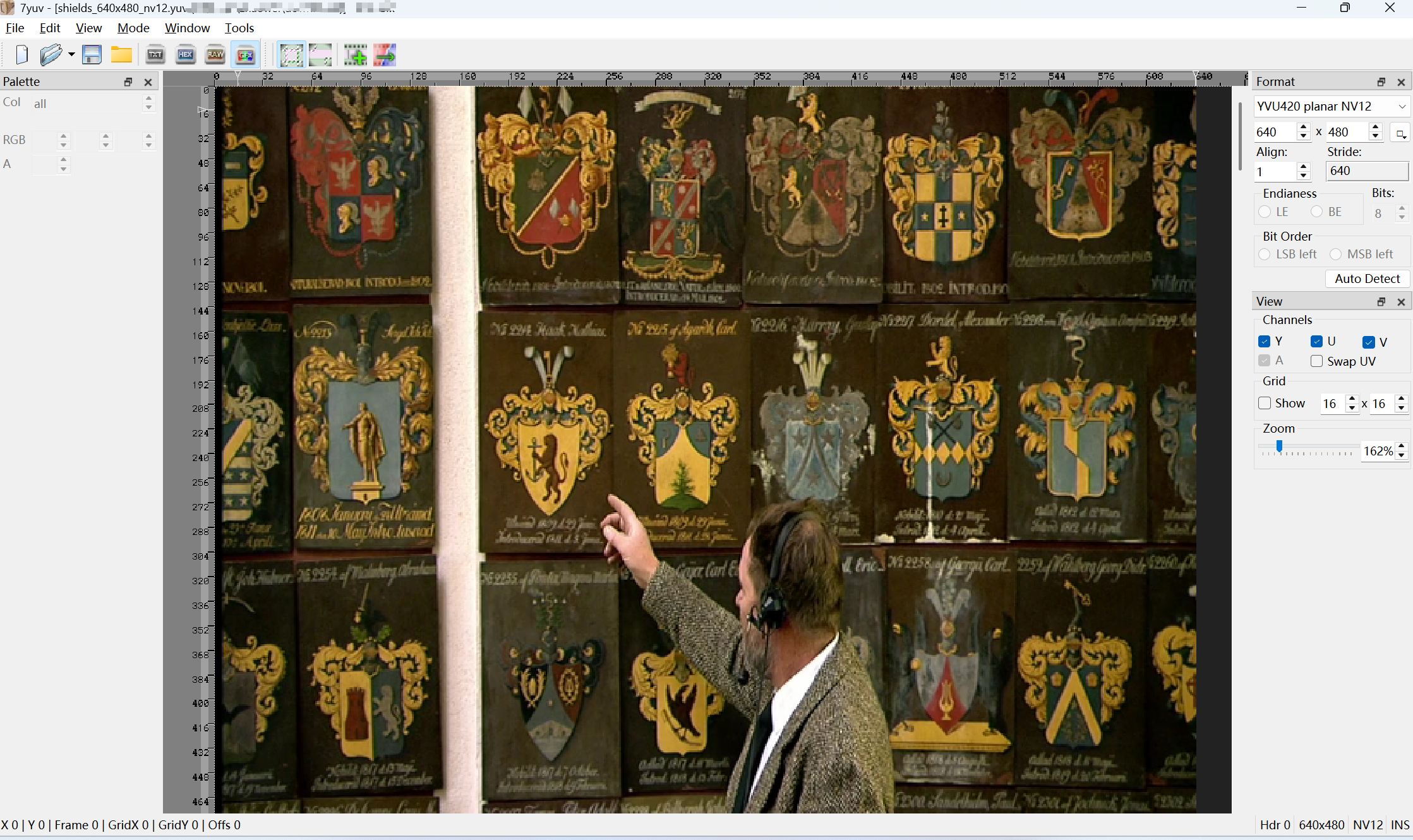
Outputs YUV video data with a resolution of 640x480 and NV12 pixel format, which can be viewed using ffplay, yuvplayer, or 7yuv.
shield_640x480_output_dir/test_0.bin
zmedia Application Development
Note: The following code is for reference only and needs to be changed according to the specific requirements.
Creating a Project Directory
Create a project directory with the following structure.
hello/
    ├── CMakeLists.txt
    ├── src/hello.c
    ├── include/hello.h
C Code Sample
#include <stdio.h>

#include <zmedia/zh_defines.h>
#include <zmedia/zh_debug.h>
#include <zmedia/zh_mpi_ai.h>
#include <zmedia/zh_mpi_sys.h>
#include <zmedia/zh_mpi_mb.h>

#include "hello.h"

int main(int argc, const char **argv)
{
    // TODO: Write your zmedia-based application code here
    ZH_MPI_SYS_Init();

    ...
    ZH_MPI_SYS_Exit();

    return 0;
}
CMakeLists.txt Sample
cmake_minimum_required(VERSION 3.10)
project(hello)

# find the zmedia package
find_package(zmedia REQUIRED)

# Define the source file
file(GLOB srcs
    src/*.c
)

# Define the executable file
add_executable(hello ${srcs})

# link the zmedia library
target_link_libraries(hello PUBLIC zmedia::zmedia)
Building the Application
# Set an environment variable for the zmedia SDK path according to the specific requirements.
export ZMEDIA_SDK=../zmedia
cmake -DCMAKE_TOOLCHAIN_FILE=$ZMEDIA_SDK/toolchain.cmake ../hello
make
Deploying the Application
Upload the executable file hello to the development board.